
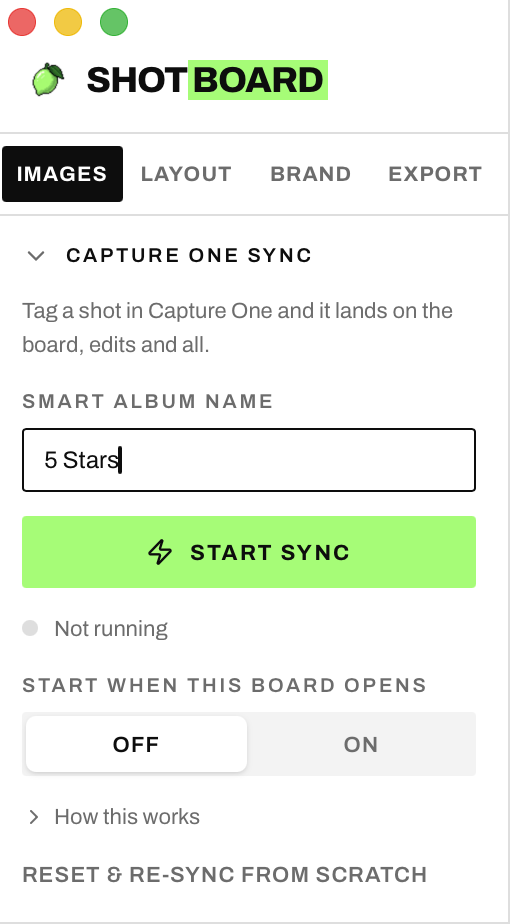
Import directly from Capture One
Connect a Capture One Smart Album and Shotboard checks it for newly selected images, then brings them automatically onto the board — edits and all. It can start checking whenever that board opens.
Product

A purpose-built moodboard and storyboard tool for life on set.
€15 — one-time purchase
Taxes calculated at checkout
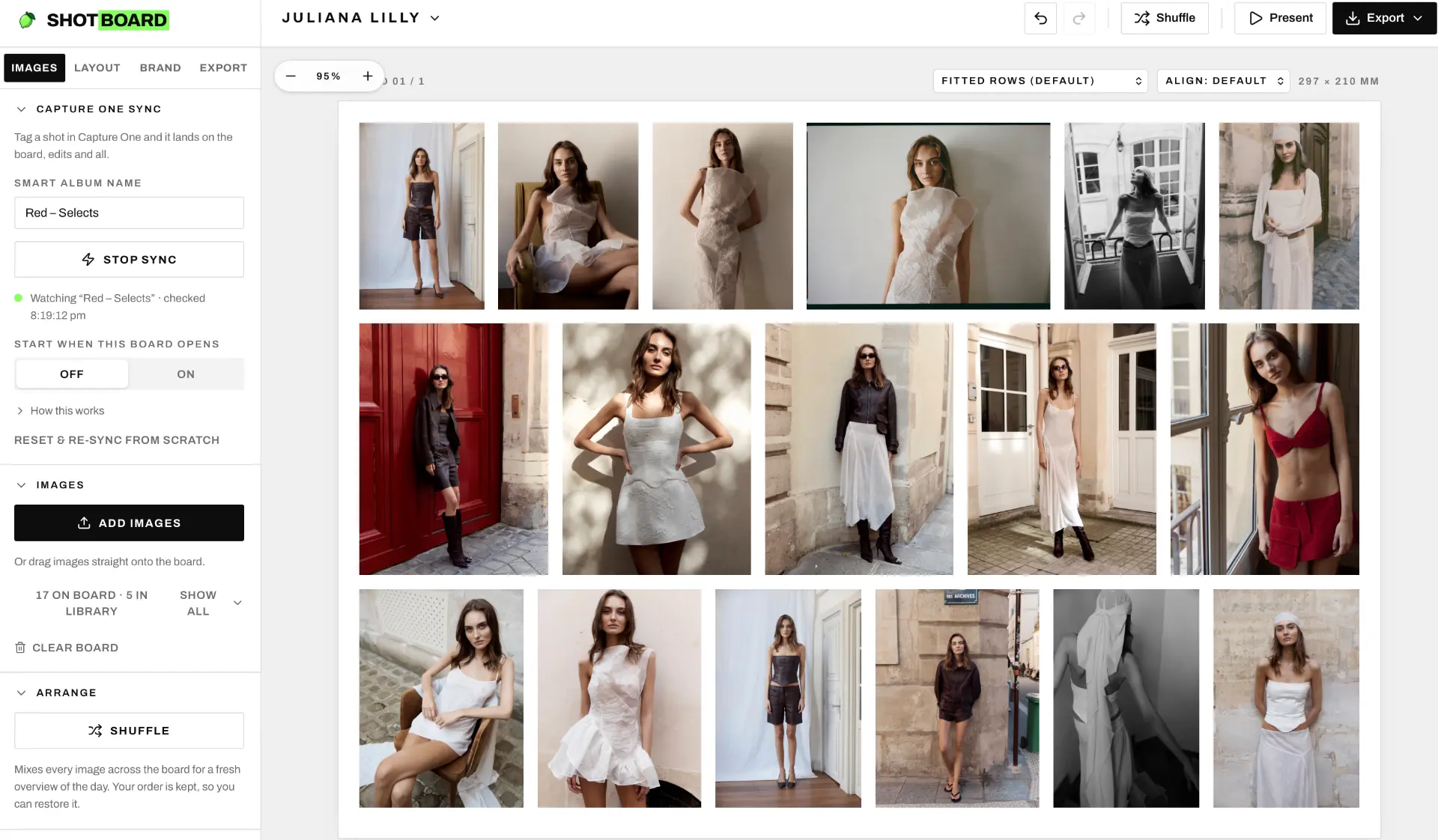
A quick look — Shotboard in action
Shotboard is a standalone tool for digital operators, photographers, assistants, art directors — and anyone who needs a clear visual plan for the day.
Build moodboards and storyboards before, during or after a shoot, without the extra machinery of software made for image manipulation.
Connect a Capture One Smart Album and Shotboard checks it for newly selected images, then brings them automatically onto the board — edits and all. It can start checking whenever that board opens.
Add images, arrange or shuffle the sequence, and use purpose-built layout controls — fitted rows, aligned unfilled rows, new spreads, rows per spread and gap, an optional title page and background colours. Photos are never cropped; every layout shows each one whole. All without the extra machinery of an image editor.
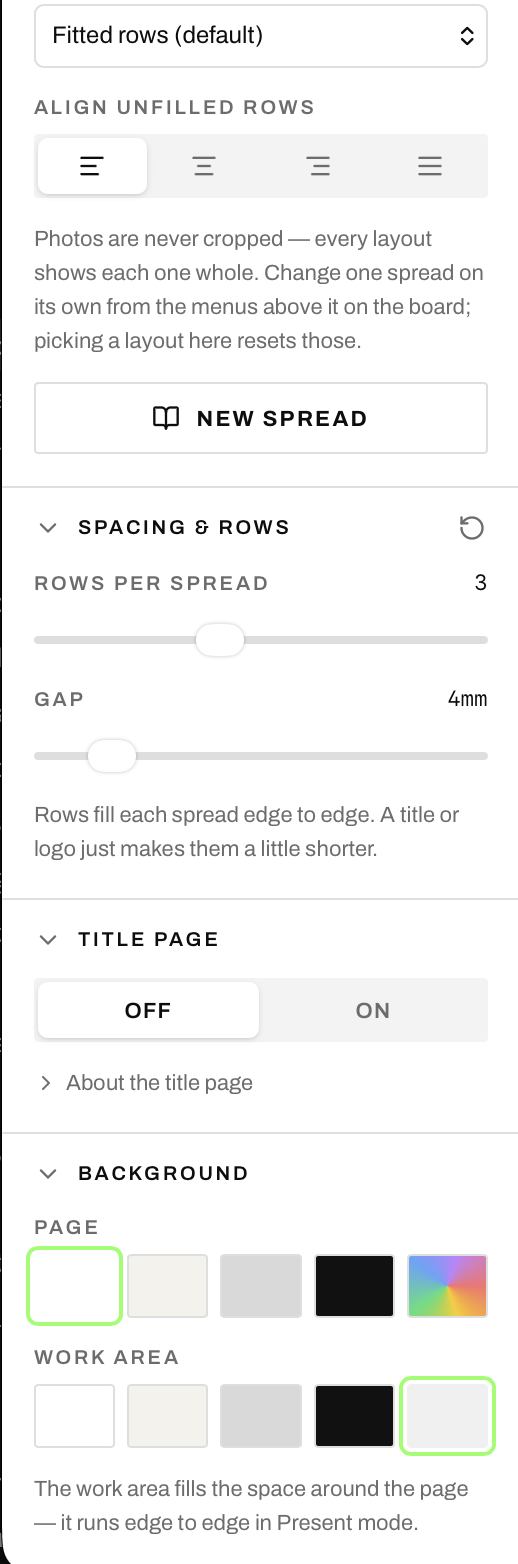
Add your studio, client or production identity with board titles, logos and brand artwork, so every working board is ready to share with the wider team.
Switch to a clean, full-board presentation view when the work is ready for the room. The tools fall away so the images, titles and branding stay in focus.
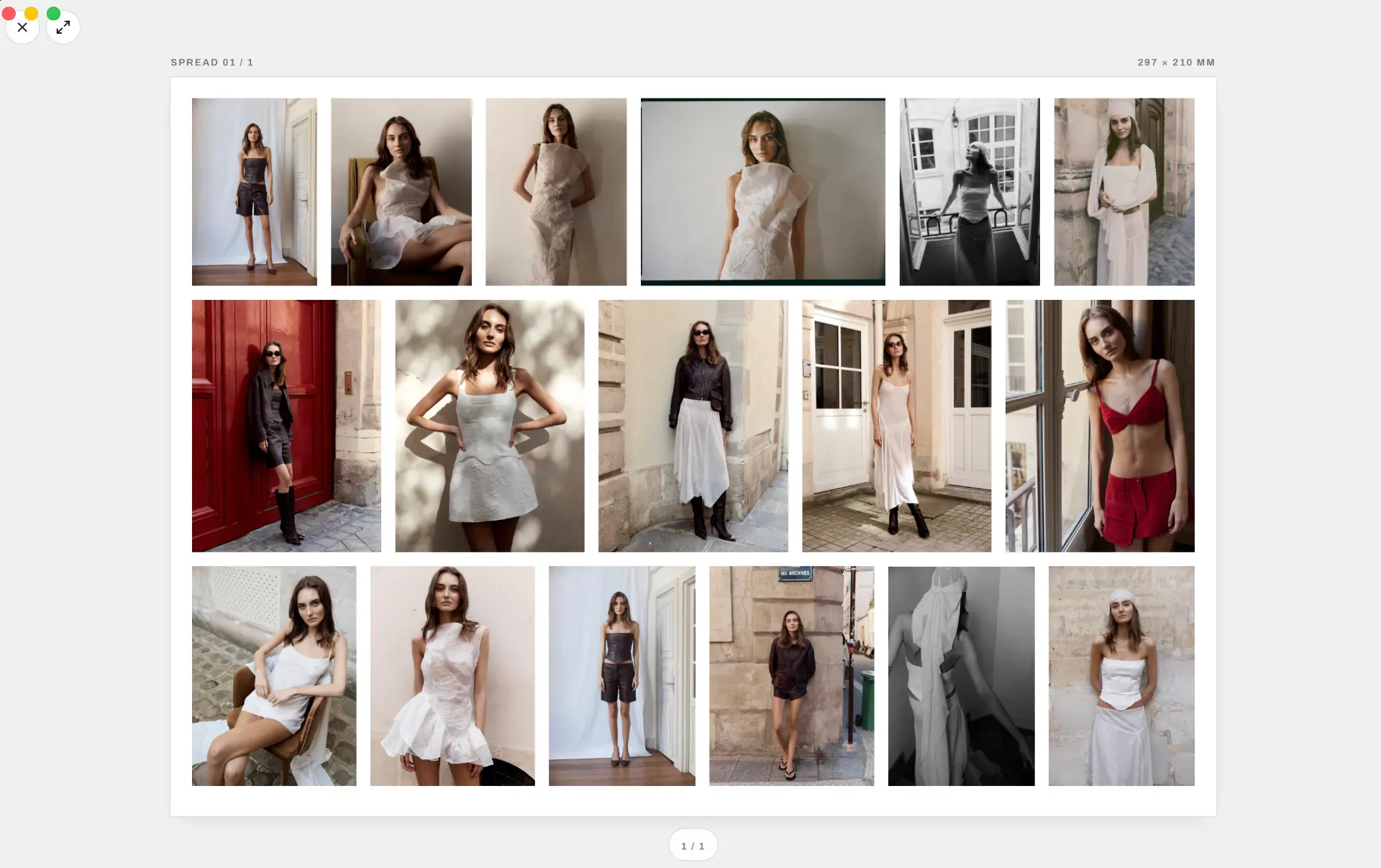
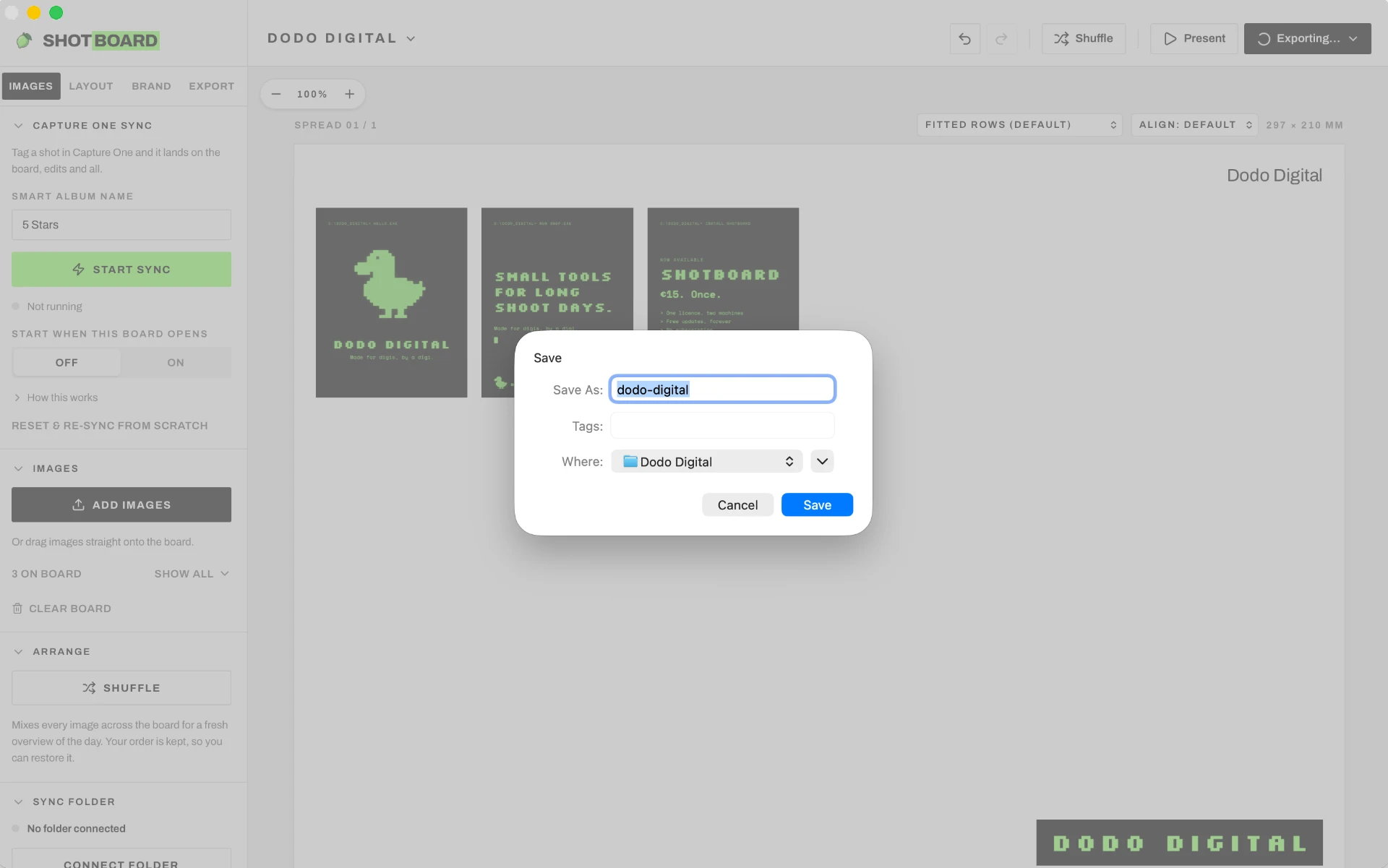
Export the finished board and save it with a clear file name, ready to send to the people who need the visual plan or final story.
Mac
Apple Silicon only (M1, M2, M3, M4 or later). It won't open on an Intel Mac.
macOS
macOS 13 Ventura or later recommended.
Disk space
About 12 MB for the app.
Internet
Once, to activate the licence key; offline after that. It re-checks the key at most weekly, and being offline never locks you out.
Capture One (only for the live smart-album sync)
Capture One 23 or later. macOS asks once for permission to let Shotboard control it. Dragging images in and folder sync don't need Capture One.
From download to a working licence on two devices. Stuck on a step? info@dododigital.store
Step 01
Your licence key is shown on screen right after purchase, and Dodo Digital emails it to you with the download link from info@dododigital.store within a minute. Paddle's email is only your receipt and invoice.
Step 02
Open the downloaded file and drag the app into your Applications folder.
Step 03
Open the app. The first time, your system may ask you to confirm that you want to open it.
Step 04
Paste the licence key from your email into the activation field and confirm. The app is then activated on this device.
Step 05
Install the app on your second computer and paste the same licence key. One licence works on two devices.
Step 06
Deactivate the licence on the old device first, then activate it on the new one. If you no longer have access to the old device, email us and we free the slot for you.
Also from Dodo Digital: DodoView — your Mac's screen on every iPad on set
Also from Dodo Digital: LightList — equipment lists for rental houses
Taxes calculated at checkout