
Every iPad in the room
Stream to as many iPads as your Wi-Fi carries, each on its own connection. Name each iPad — "Client", "Art director" — so you know which is which on the Mac.
Product
Your Mac's screen on every iPad on set — the client, the art director, you.
€20 — one-time purchase
Taxes calculated at checkout
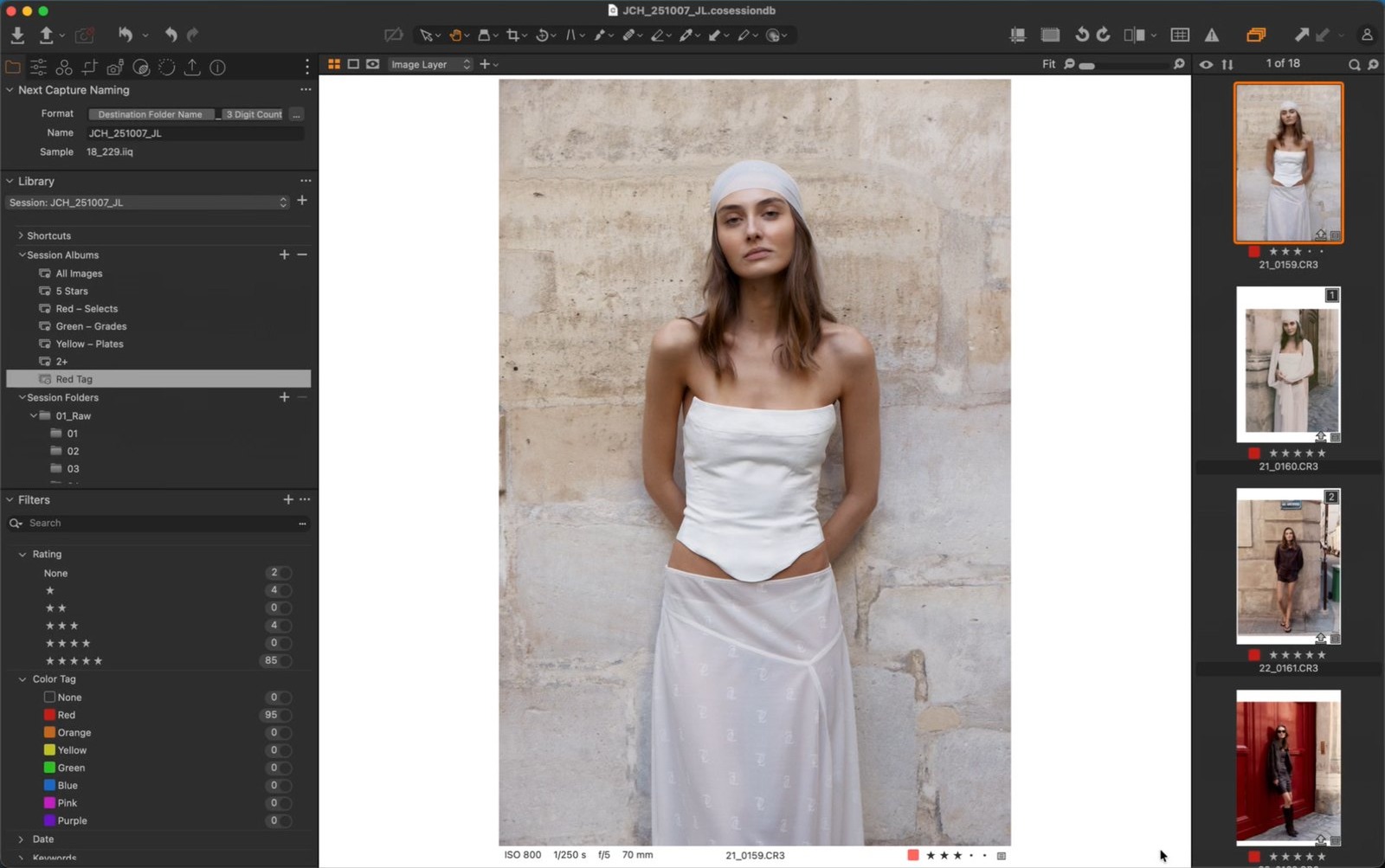
DodoView puts your Mac's screen on several iPads at once over the studio Wi-Fi: one for the client, one for the art director, one for you. It lives in the menu bar.
No cables, no accounts, no cloud. The picture never leaves the room.
Stream to as many iPads as your Wi-Fi carries, each on its own connection. Name each iPad — "Client", "Art director" — so you know which is which on the Mac.
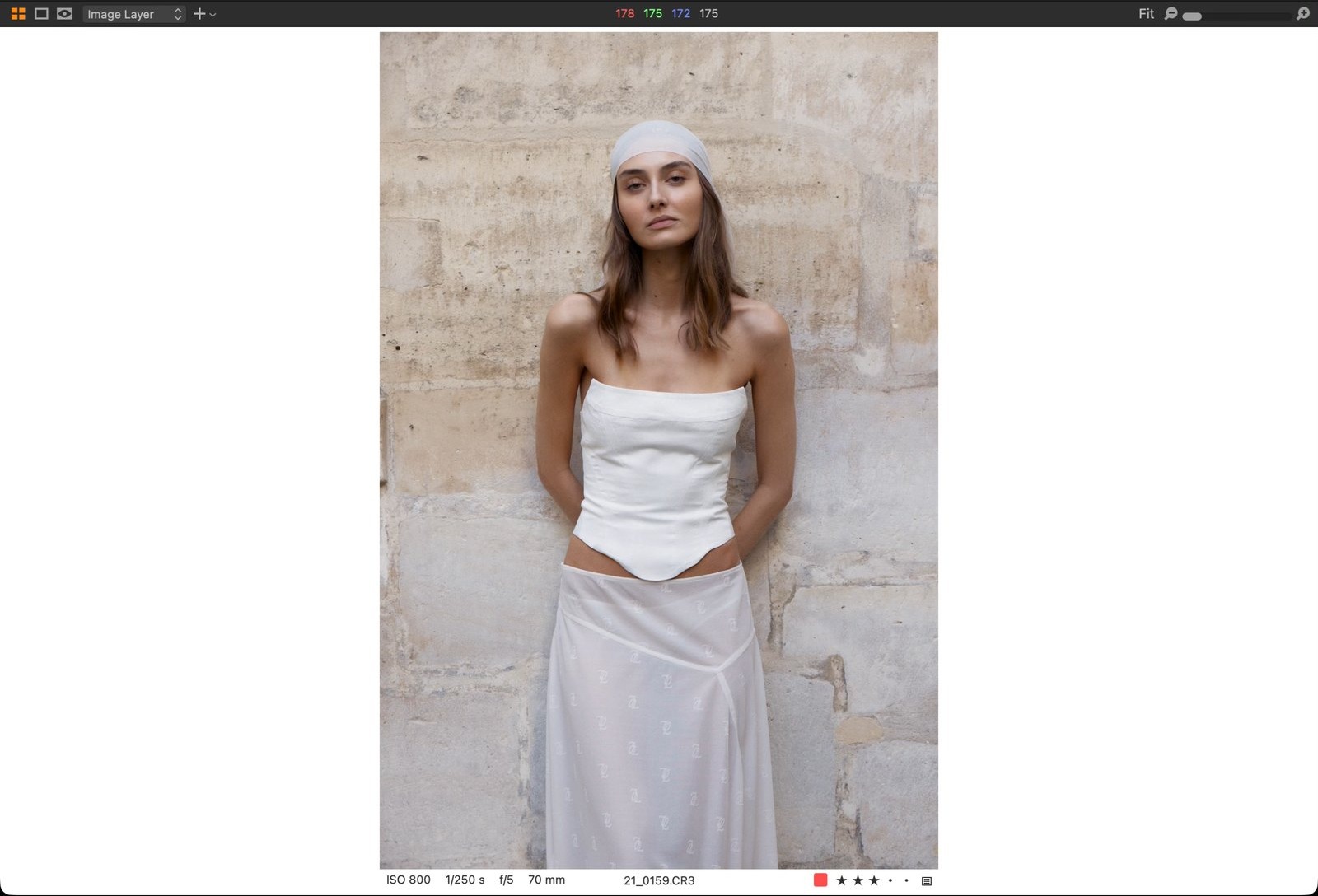
Set each iPad to your whole screen or just Capture One's Viewer — the image, without your tools. The Viewer keeps streaming under your other windows, so you work in Capture One as normal while the client sees only the picture. One iPad can be on the Viewer while another shows the whole screen.
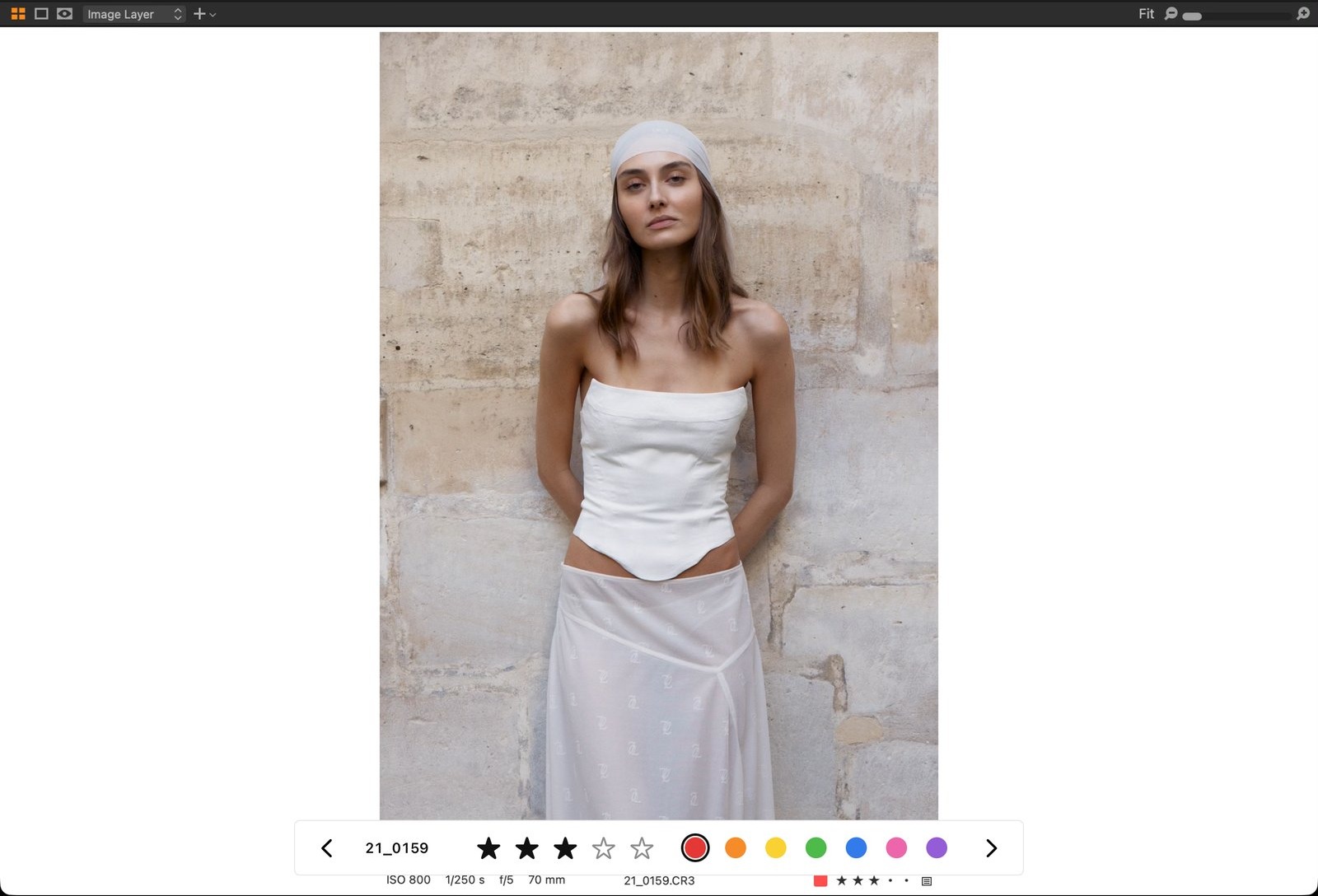
Give a Viewer iPad control and the client can swipe through images and set stars and colour tags, straight into your Capture One session. Off by default, per iPad.
iPads start on a clean "ONE MOMENT, PLEASE" card and only see your screen when you choose. Write your own message, and pick a white card or a black one.
Cover the studio's other screens too — the photographer's EIZO, a client monitor, even one that's mirroring yours — with the same card. Your own screen is marked and never covered.
Pause a single iPad, or lift everything at once with ⌃⌥⌘I.
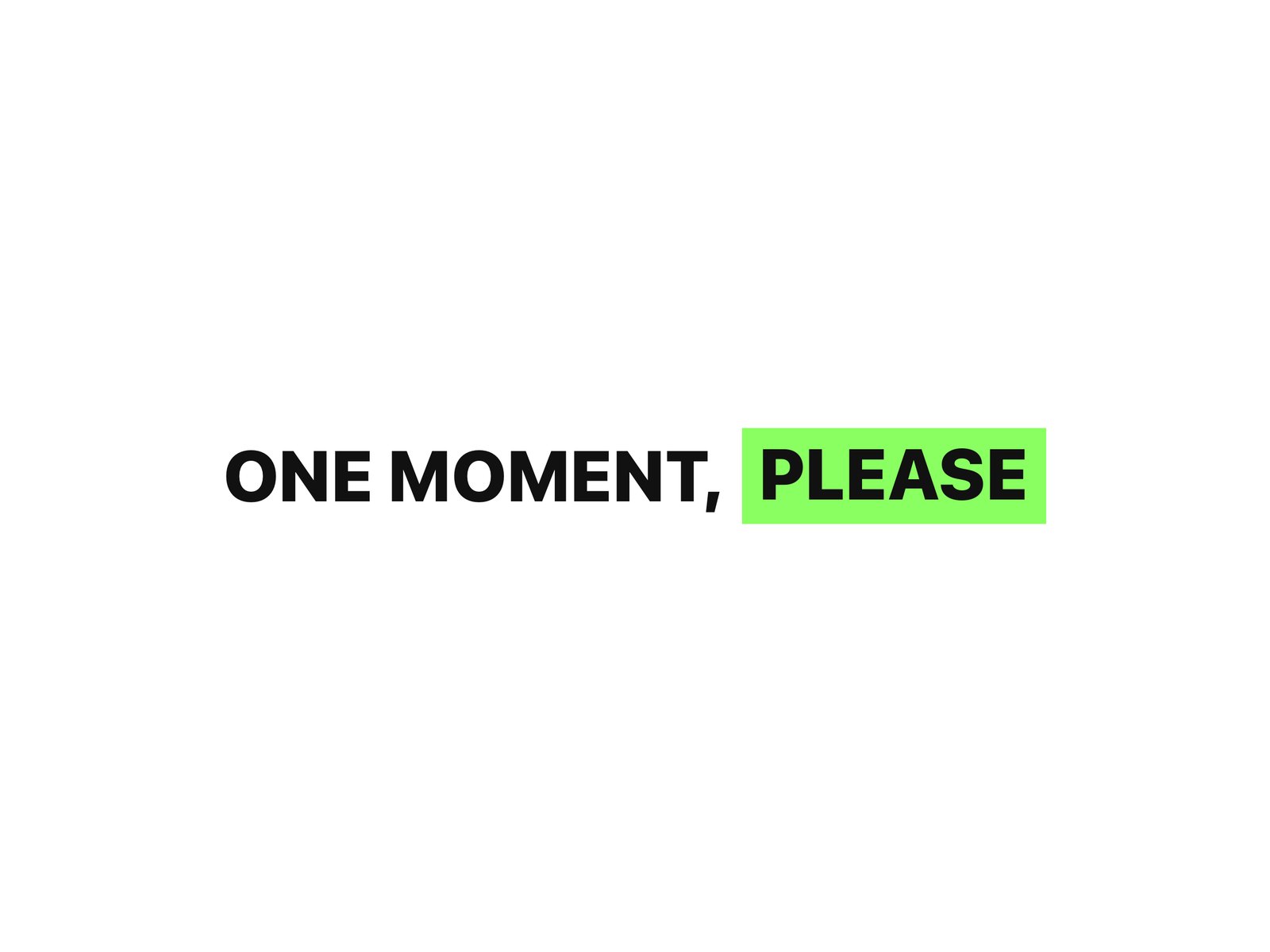
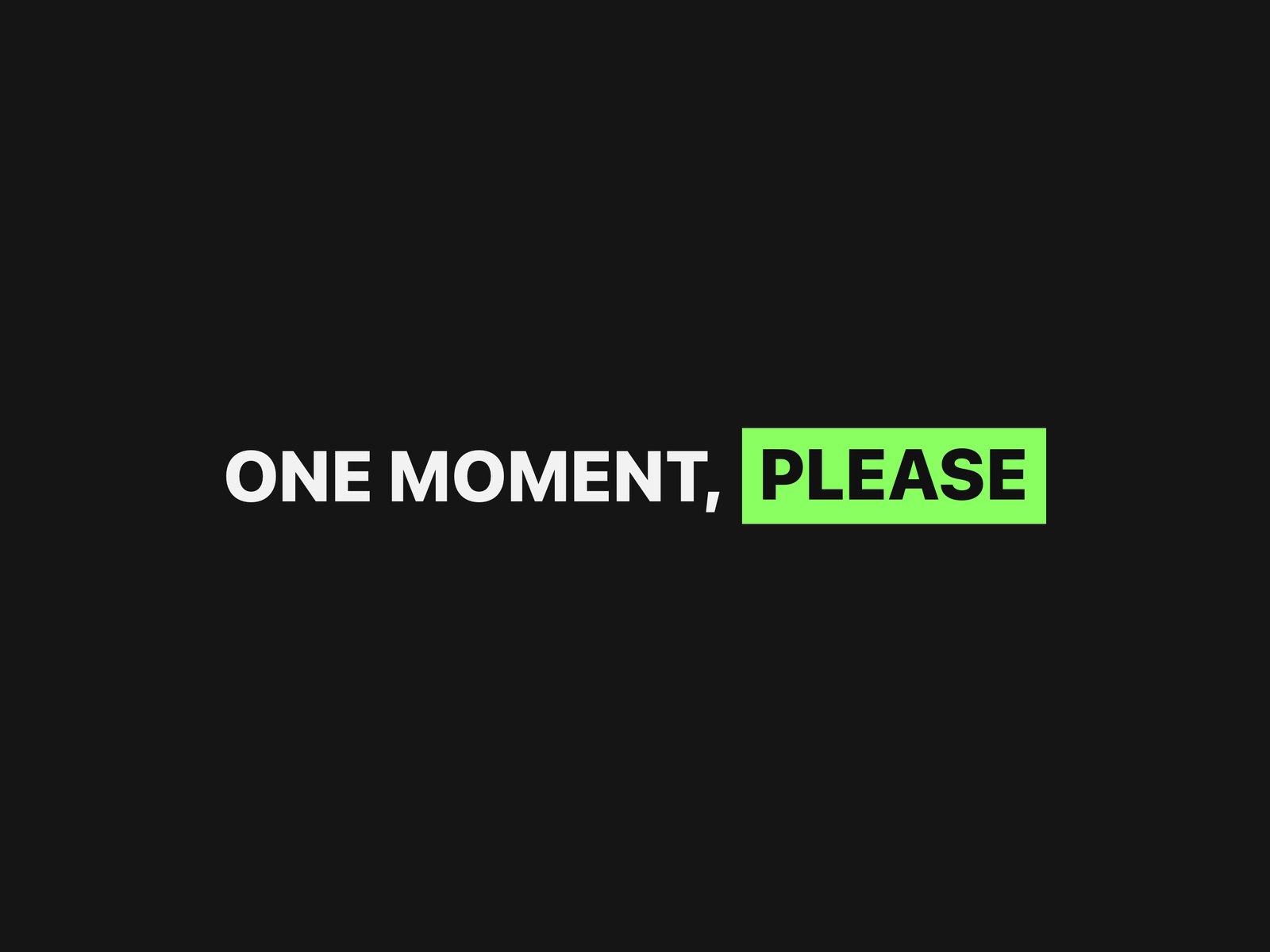
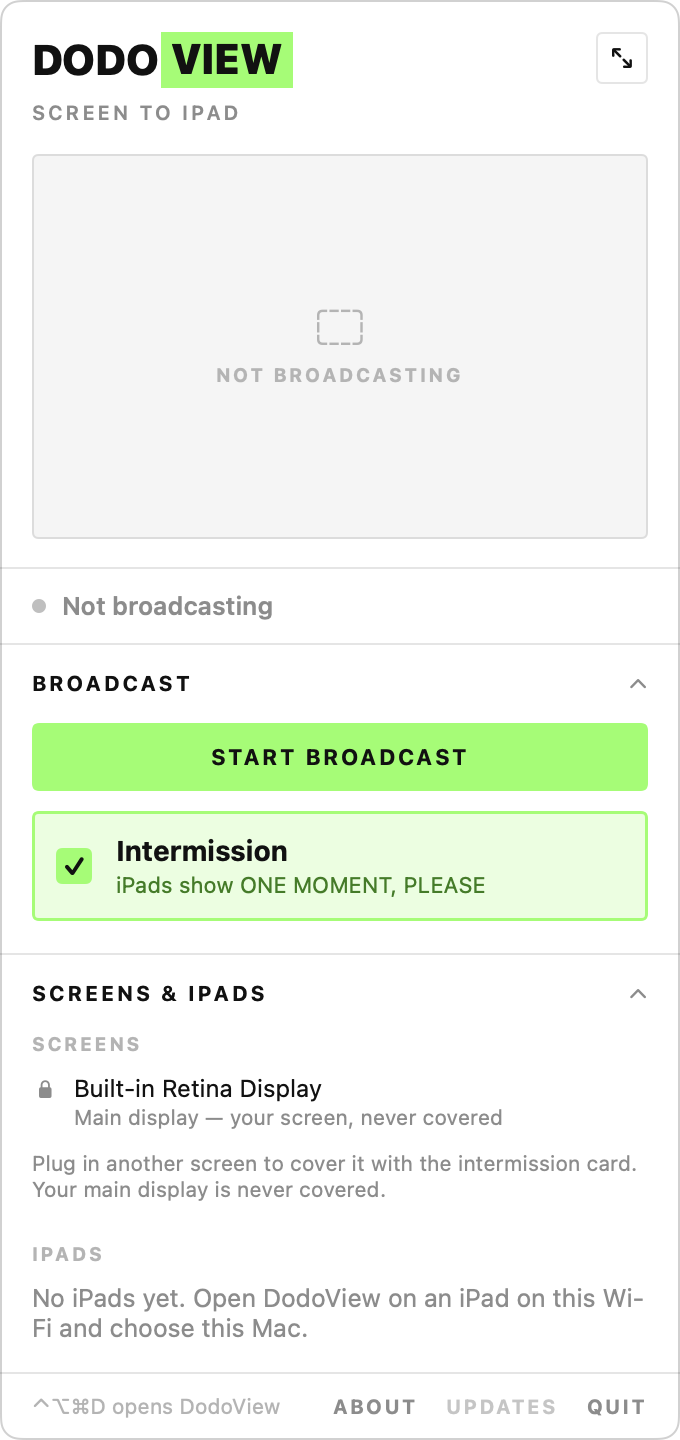
A live preview shows exactly what the iPads see, so you can check before you reveal. Screens and iPads sit in one list; give your screens names like "Photographer" and "Client monitor".
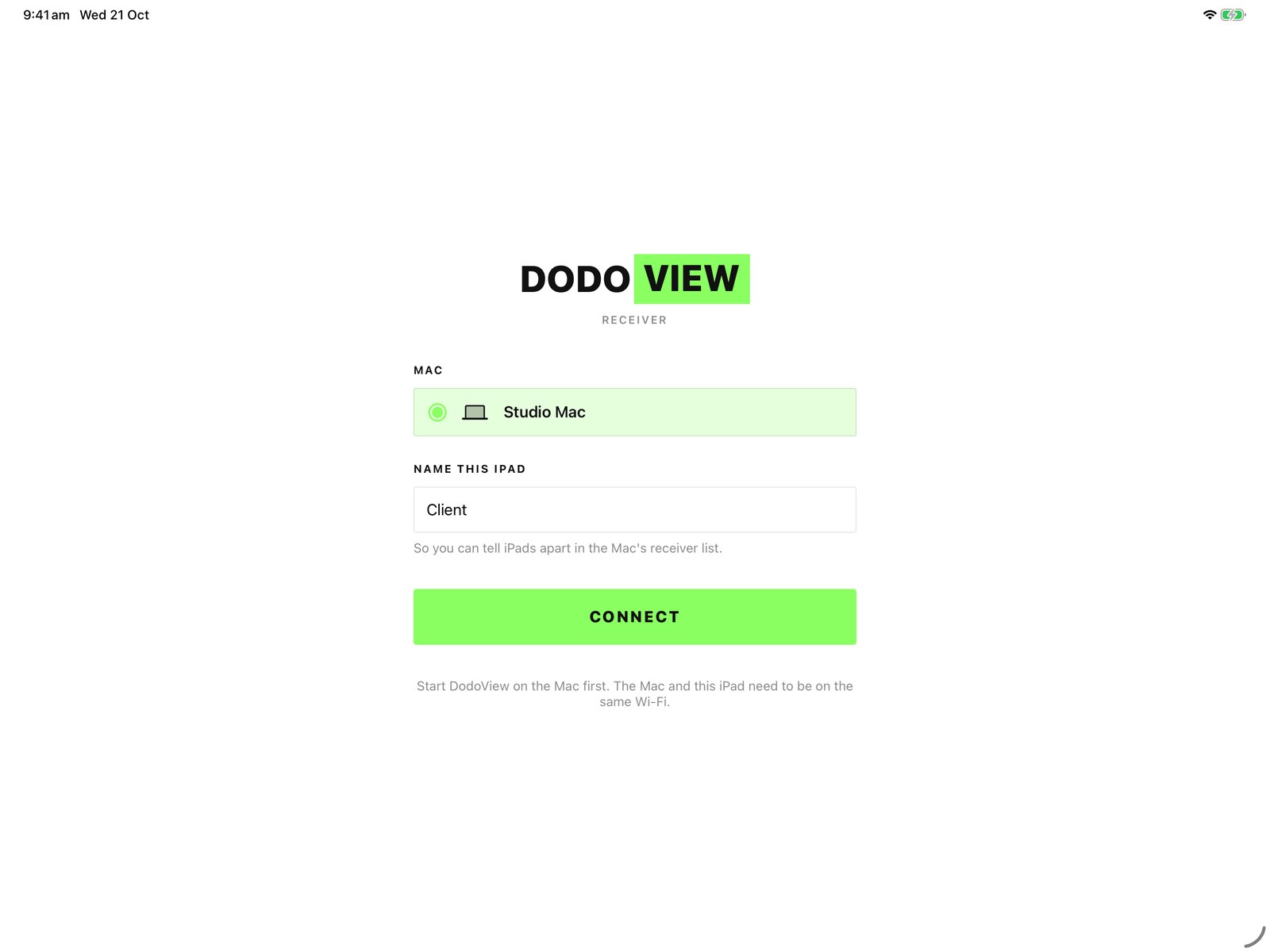
Open the free iPad app on the same Wi-Fi, choose your Mac, tap Connect. Next time it goes straight back to it.
A slow iPad skips ahead instead of falling behind, the picture softens before anyone stutters, and every iPad reconnects by itself after a dropout. Venue Wi-Fi that keeps devices apart? Turn on Direct Wi-Fi and the iPads connect straight to the Mac.
Mac
Apple Silicon only (M1 or later). macOS 14 Sonoma or later.
iPad
iPadOS 17 or later, with the free DodoView app.
Network
The Mac and iPads on the same Wi-Fi (or Direct Wi-Fi). No internet needed to stream.
Internet
Once, to activate the licence key; offline after that. It re-checks the key at most weekly, and being offline never locks you out.
Capture One (only for Viewer Mode)
macOS asks once for permission to let DodoView control Capture One.
Permissions
macOS asks once for Screen Recording and Local Network.
From download to every iPad on set. Stuck on a step? info@dododigital.store
Step 01
Your licence key is shown on screen right after purchase, and Dodo Digital emails it to you with the download link from info@dododigital.store within a minute. Paddle's email is only your receipt and invoice.
Step 02
Open the downloaded file and drag DodoView into your Applications folder. A D appears in the menu bar.
Step 03
Paste the licence key from your email when DodoView asks.
Step 04
The first time you start a broadcast, allow Screen Recording and Local Network when macOS asks.
Step 05
Install the free DodoView app on each iPad. Open it on the same Wi-Fi, name the iPad and connect.
Download on the App StoreStep 06
Deactivate on the old Mac first (Licence & updates → Deactivate this Mac), then activate on the new one. No access to the old Mac? Email us and we free the slot.
Also from Dodo Digital: LastCheck — free copy checking for Mac
Also from Dodo Digital: LightList — equipment lists for rental houses
Taxes calculated at checkout